
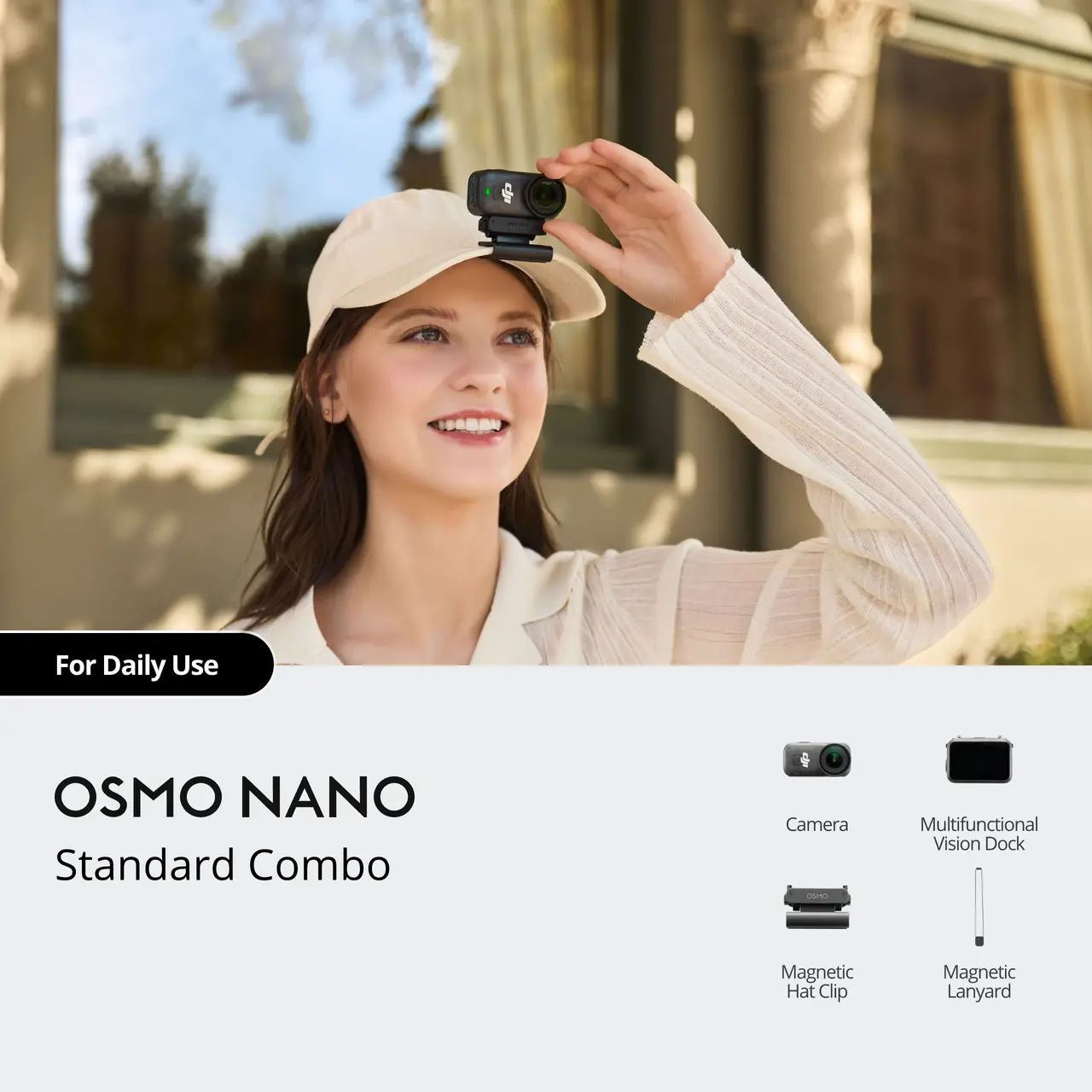

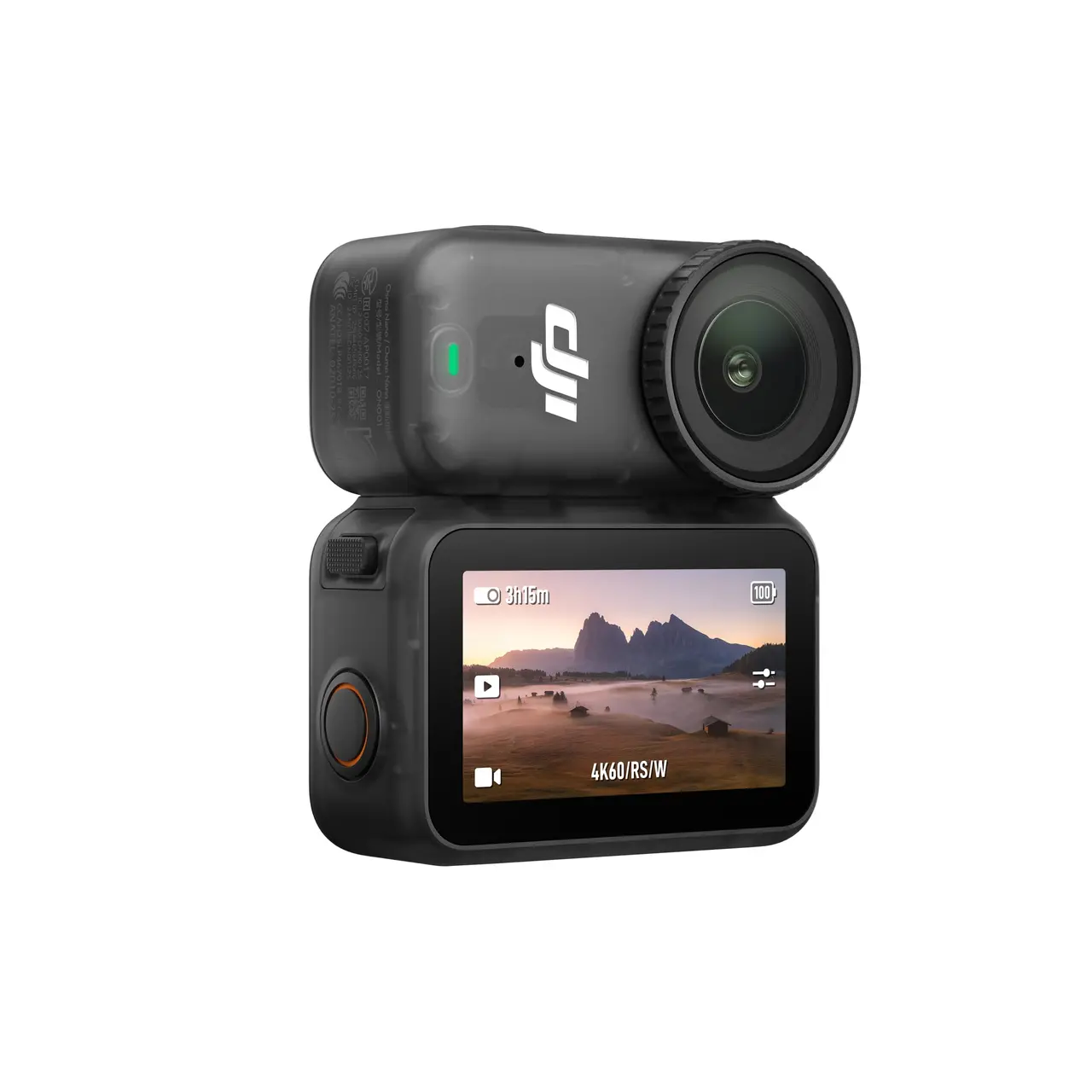
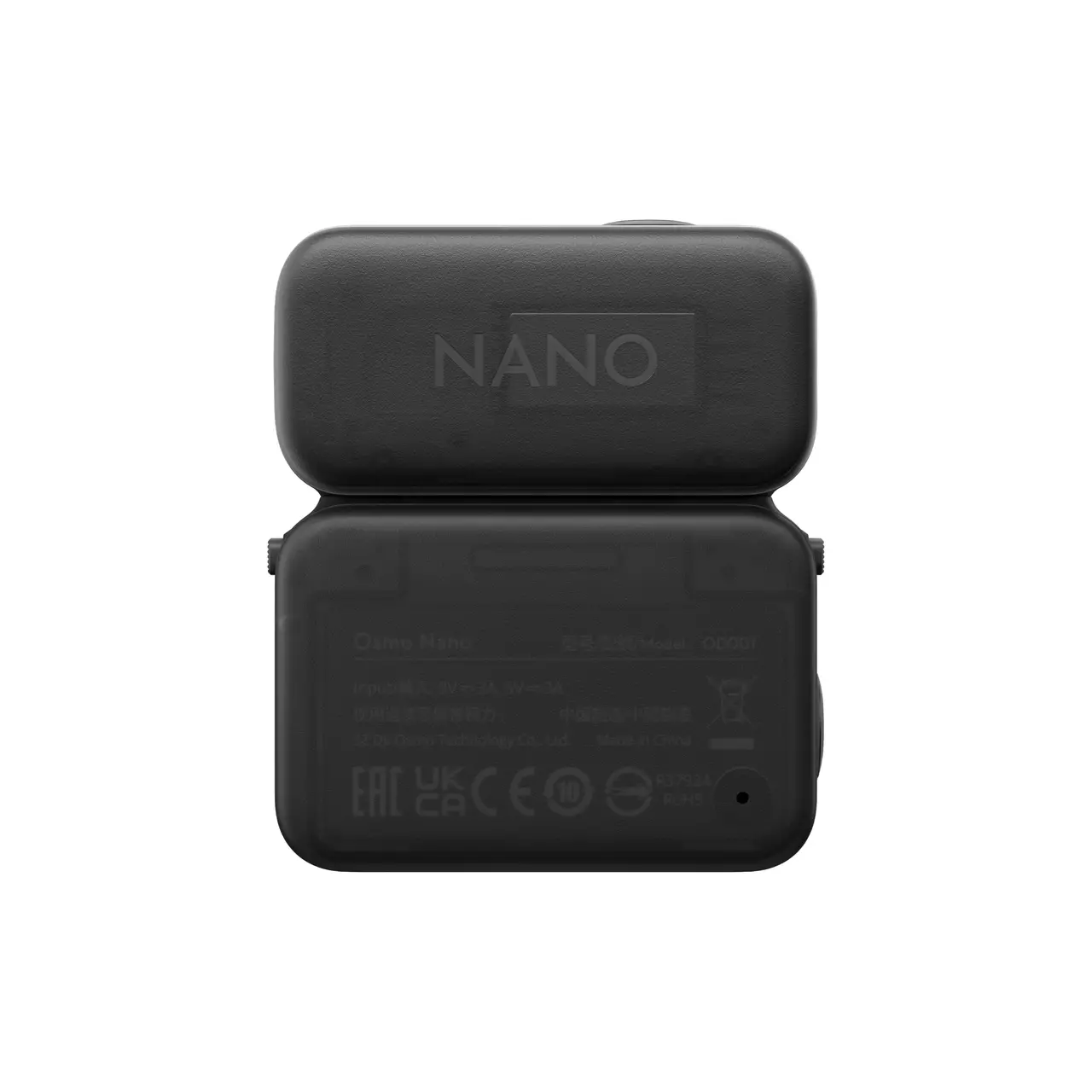
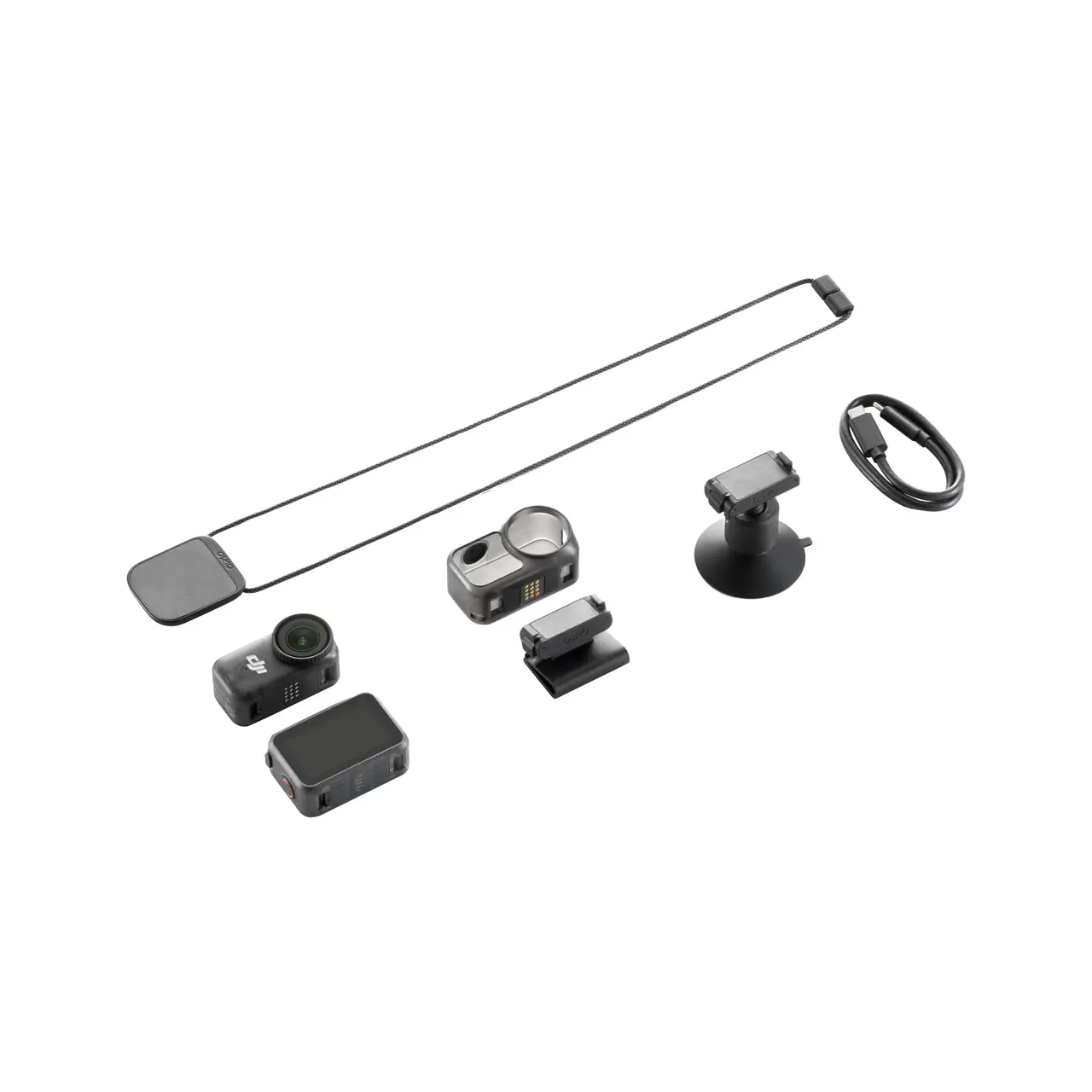
Osmo Nano Standard Combo (128GB)
Original price was: ₹47,990.00.₹29,899.00Current price is: ₹29,899.00.
- Free Shipping
- Free Fast-Delivery Upgrade*
- Up to 7-Day Returns*
- All-New 1/1.3″ Sensor
- 4K/60fps & 143° Wide FOV
- 10-bit & D-Log M Color Performance
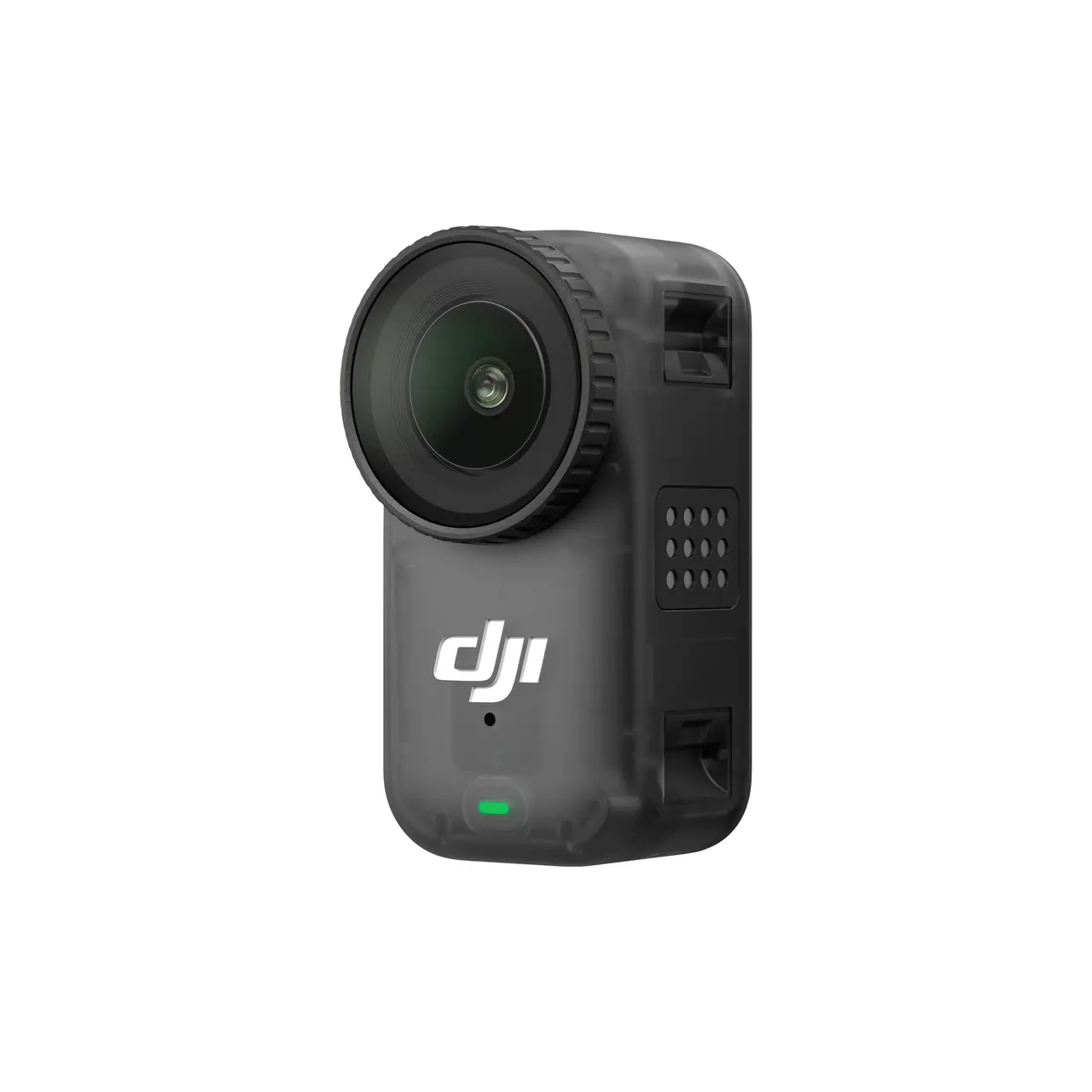
- Lightweight, Dual-Sided Magnetic Design
- Quick Charge, 3+ Hours Runtime
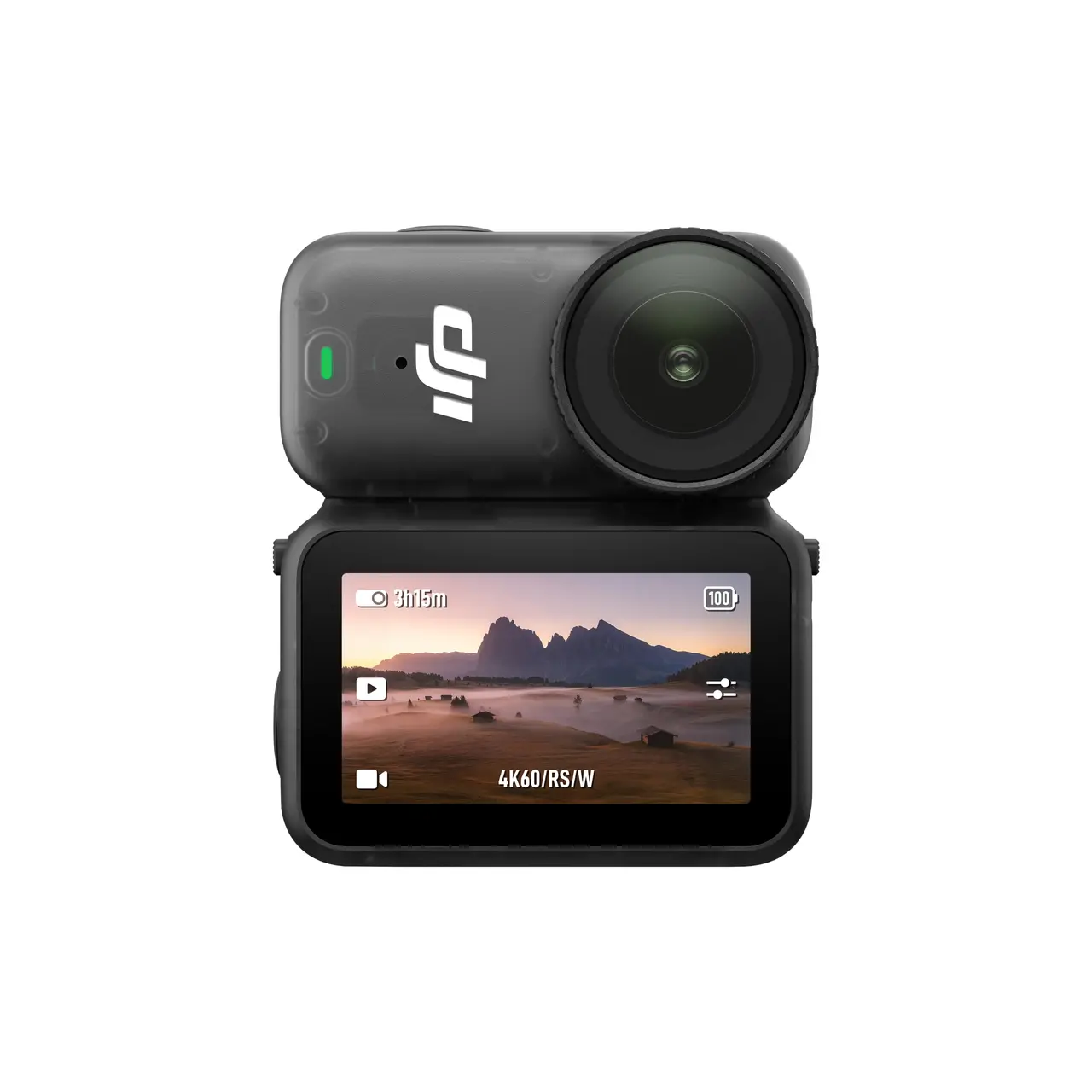
- Live View With Remote Control & Swift Content Transfer
- Dual DJI Microphones Direct Connection
- 10m Waterproof Camera, IPX4-Rated Vision Dock





Take a Closer Look
Compact Body, Powerful Performance
Equipped with a 1/1.3-inch sensor, Osmo Nano offers 2.4μm pixels and up to 13.5 stops of dynamic range, capturing visuals on par with professional cameras.

4K Cinematic Shots
Record smooth 4K/60fps video or vivid 4K/120fps slow motion. The 143° ultra-wide lens captures group shots and sweeping views, ideal for travel and adventure.

Stunning Colors & Night Scenes
Capture over a billion colors with smooth gradation and rich detail with 10-bit & D-Log M. SuperNight mode reduces noise for clearer night shots.
Ultra-Lightweight, Effortlessly Wearable
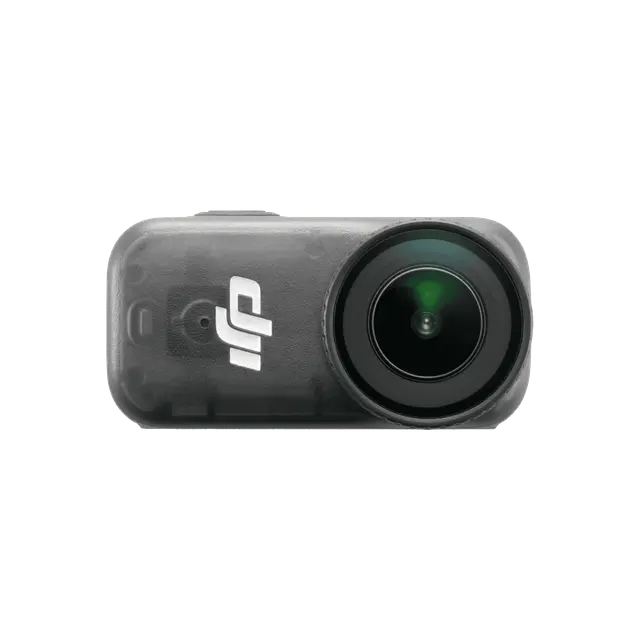
Lightweight and easy to wear, its compact design allows for flexible mounting or magnetic attachment to smooth surfaces, unlocking creative angles for standout vlogs.

HD Live View & Fast File Transfer
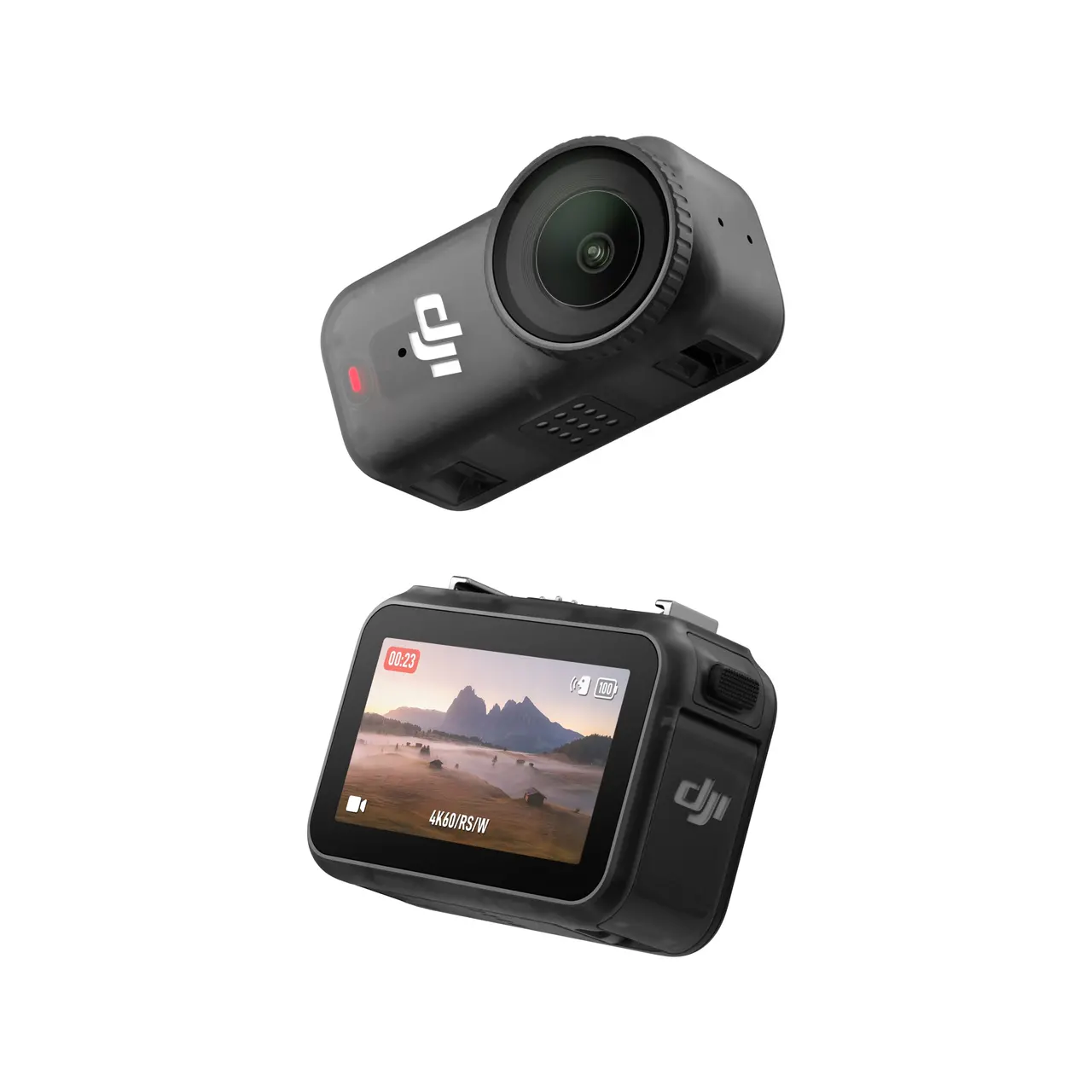
Dual-sided magnetic mount enables quick selfie/subject switch. OLED screen offers live view and remote control. Transfer files instantly at up to 600MB/s.

Quick Charge, 3+ Hours Runtime
Continuously records over 60 minutes of 4K/30fps video in Endurance mode, or 200-minute 1080p/24fps video when used with Vision Dock. A 20-min break charges your camera to 80%.

New ActiveTrack & Intelligent Autofocus
The updated ActiveTrack supports tracking even at 4× zoom. Next-gen Intelligent AF keeps subjects sharp. Use “Subject Lock Tracking” to auto-track and tap to switch, or “Registered Subject Priority” to prioritize pre-registered subjects.

Ready for Water, Ready for Adventure
Osmo Nano Camera is waterproof up to 10 meters for water sports. With Vision Dock, it resists rain and splashes so you can film confidently anywhere.
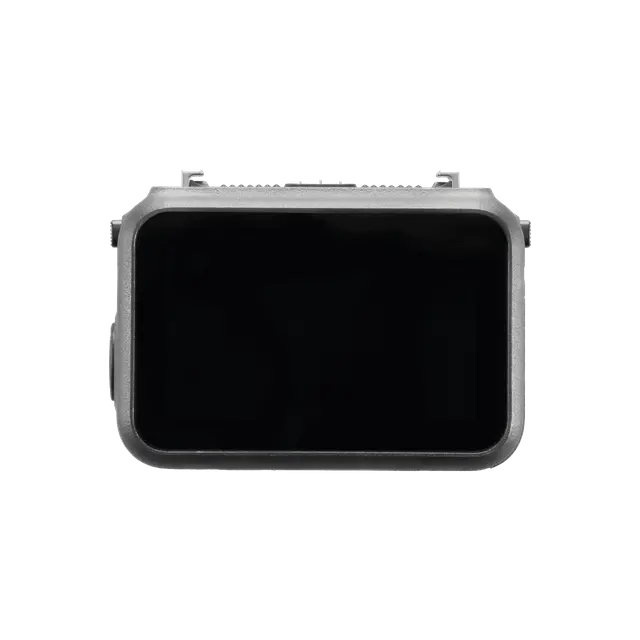
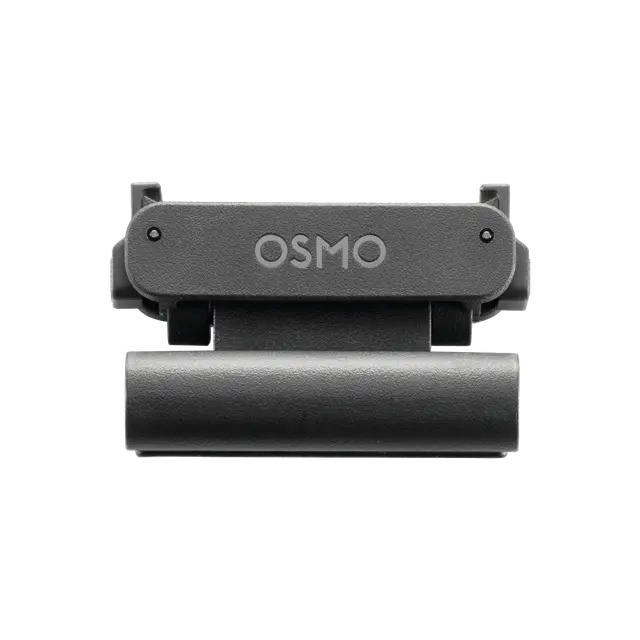
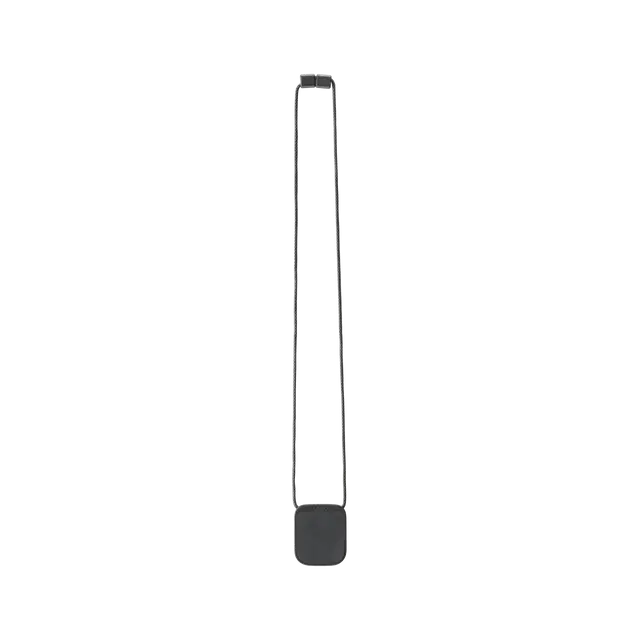
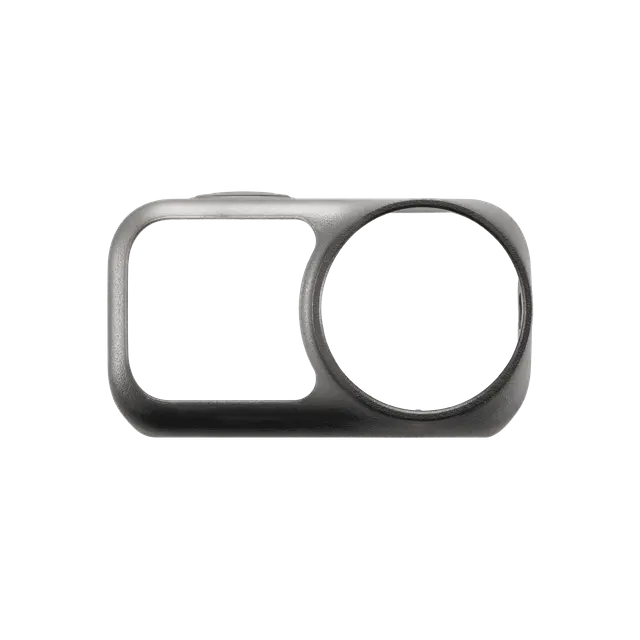
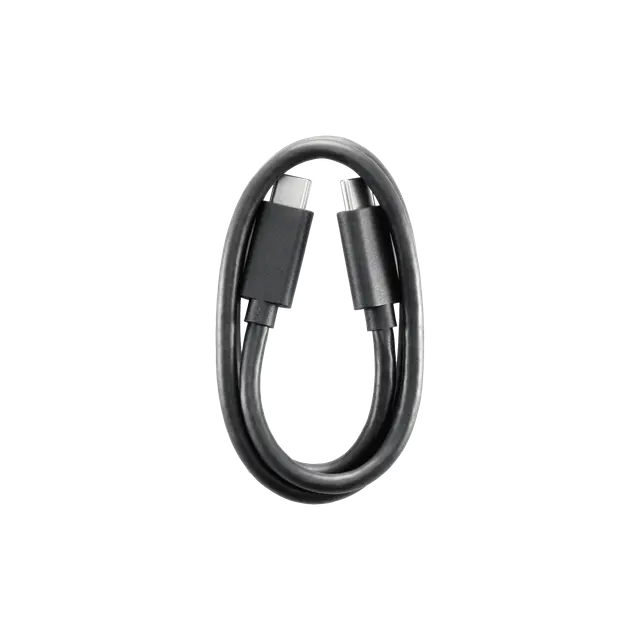
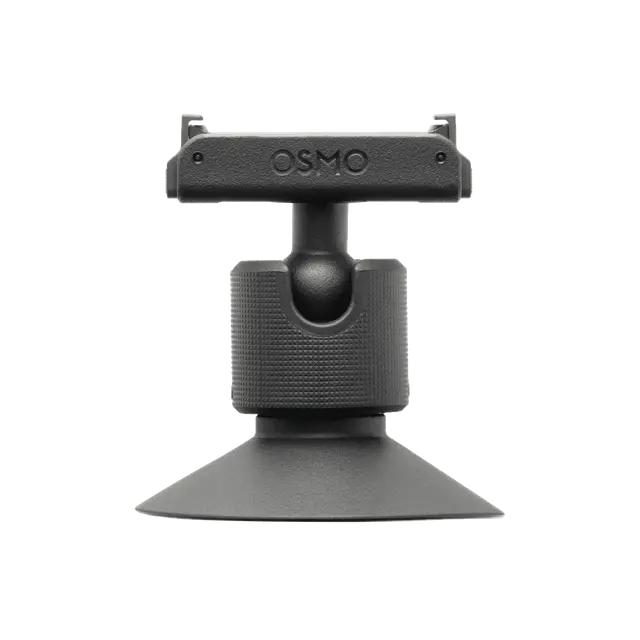
Moments By You
Easily attach it to your child’s shirt or your pet’s collar to see the world from their perspective. Capture playful moments and daily adventures, and keep those warm memories close.
Let's Answer Your Questions
Each camera series offers unique features tailored to different needs and scenarios. Consider your specific needs and shooting scenarios to choose the camera that best suits you.
Osmo Nano Series: A wearable camera that is compact and lightweight, with support for live view and remote control. It's ideal for those who need a portable device for everyday recording or first-person perspective shooting.
Osmo Action Series: A flagship action camera that is rugged, durable, and delivers outstanding image quality. Ideal for outdoor sports enthusiasts or vloggers who want professional-level footage and multi-angle shooting options.
Osmo 360 Series: A 360-degree camera that captures everything around you without the need for precise framing. It's especially suitable for creative video makers or professionals who require multi-perspective recording.
Osmo series action cameras feature a range of accessory mounts for flexible setups and easy attachment or removal in various scenarios. The main types include:
- Magnetic quick-release mount: Ideal for sports and activities that require frequent mounting and removal.
- Dual-sided magnetic quick-release mount: Ideal for situations where both front- and rear-facing shooting (such as selfies and landscape shots) are needed.
- 1/4" threaded hole: A standard mount compatible with most mainstream photography accessories.
- Ball head: Supports 360° rotation for flexible angle adjustments.
- Standard three-prong mount: Designed for high-intensity activities, providing extra impact resistance and secure attachment.
To use Osmo Nano with accessories from the Osmo Action or Osmo 360 series, it is recommended to use the Osmo Dual-Direction Quick-Release Foldable Adapter Mount.
Yes. You can connect Osmo Nano to most action camera accessories using the Osmo Dual-Direction Quick-Release Foldable Adapter Mount (sold separately).
Osmo Nano comes with built-in storage options of 64 GB (48 GB available) and 128 GB (107.6 GB available). Direct recording to a microSD card is not supported. However, you can quickly export footage from the camera to a microSD card via the Vision Dock to free up storage space on the camera.
Recommended Models:
- Lexar SILVER PLUS 64GB U3 A2 V30 microSDXC
- Lexar SILVER PLUS 512GB U3 A2 V30 microSDXC
- Lexar SILVER PLUS 1TB U3 A2 V30 microSDXC
- Kingston Canvas Go! Plus 64GB U3 A2 V30 microSDXC
- Kingston Canvas Go! Plus 128GB U3 A2 V30 microSDXC
- Kingston Canvas Go! Plus 256GB U3 A2 V30 microSDXC
- Kingston Canvas Go! Plus 512GB U3 A2 V30 microSDXC
- Kingston Canvas Go! Plus 1TB U3 A2 V30 microSDXC
- Check that the Glass Lens Cover is intact, and tighten the Glass Lens Cover;
- The Osmo Nano Camera is waterproof up to 10 meters without any additional housing. It is not recommended to use the camera body only for long-term underwater shooting;
- Do not use the product in extreme water environments or unknown liquids. Avoid using it in hot springs or corrosive liquids;
- Before changing the Glass Lens Cover, air dry the camera to avoid any fogging caused by water entering the lens cap;
- After using it underwater, clean the device with fresh water to remove any foreign objects from the surface. Before recharging, ensure that the connection points are free of any foreign objects or water stains.
Yes. You can use a USB-C charger that supports the standard PD 3.0 protocol with a maximum PD output power of 30 W or above.
It is normal for the camera to become warm during extended shooting or when recording high-resolution videos. To help minimize heat and discomfort, you can try the following:
1) Use the included protective case to reduce the sensation of heat on your hands.
2) Operate the camera in a well-ventilated environment to improve heat dissipation.
3) Lower the video resolution or frame rate if high settings are not required.
4) Enable the “Auto Screen Off” feature, or manually turn off the screen when not needed to reduce power consumption and heat.
5) Since there are metal components on the bottom of the device, try to avoid prolonged contact with the mount or other metal areas during shooting to reduce the feeling of heat.
There are four options available:
1) Connect to the DJI Mimo app and download content from the microSD card and built-in storage to your smartphone.
2) You can insert a microSD card into the Multifunctional Vision Dock and follow the on-screen instructions to pair the Camera with the Vision Dock, exporting the Camera's content to the microSD card. Then use a card reader to export content from the microSD card to your computer or smartphone.
3) Attach the Vision Dock to the camera and connect it to a computer using a data cable. Select the storage location on the camera screen, then export content to the computer.
4) Attach the Vision Dock to the camera. Swipe down to access the settings menu and select "USB Mode"*. Connect Osmo Nano to a smartphone with a USB-C port using a USB-C cable. Then you can export content from the microSD card and built-in storage to your phone.
* Osmo Nano must be updated to the latest firmware.
For detailed instructions, you can check A Beginner's Guide to DJI Osmo Nano, which includes tutorials, user manuals, and comprehensive instructions covering unboxing, setup, activation, and device connection.
By default, Osmo Nano automatically switches between landscape and portrait recording based on the camera’s orientation—no manual setup required. If needed, you can manually lock the aspect ratio. For example, locking the aspect ratio to 16:9 ensures video is recorded horizontally regardless of how the camera is positioned.